Detailed Panels: Techniques for Effective Storyboarding
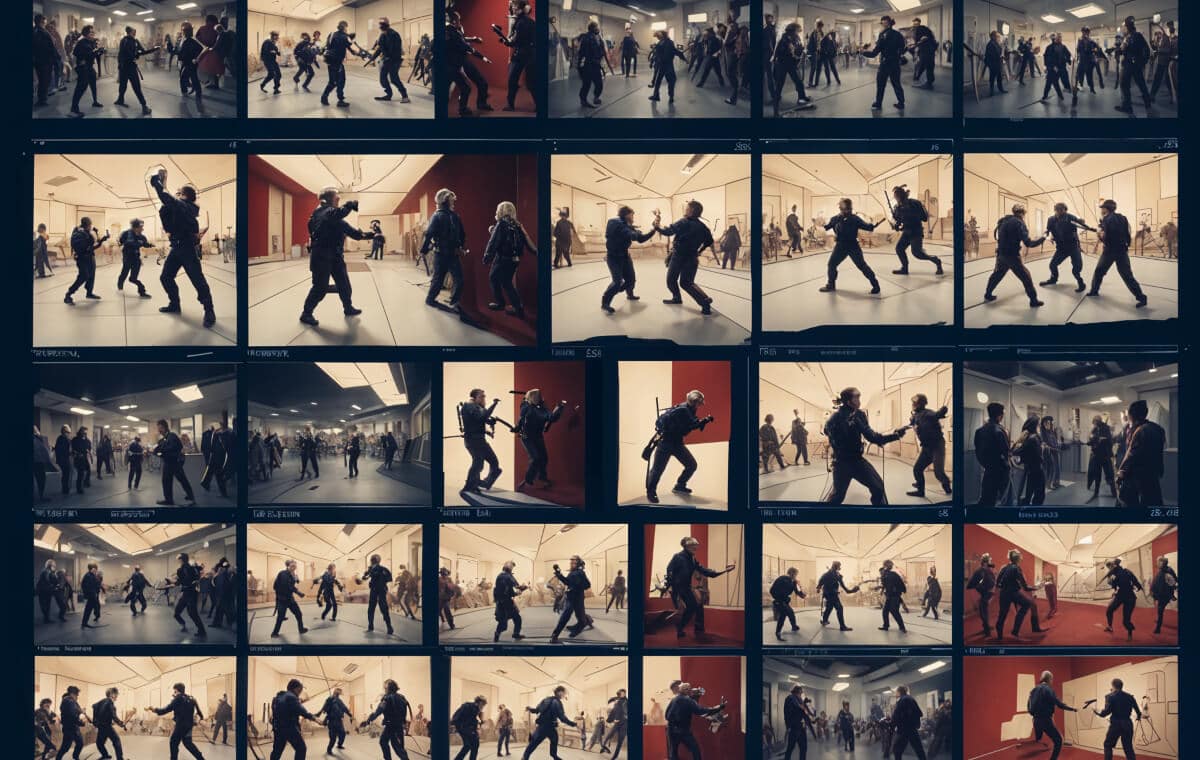
Understanding the Importance of Detailed Panels
The Role of Storyboarding in Filmmaking
Storyboarding serves as the blueprint for your film. It outlines the visual direction, pacing, and mood of your scenes, ensuring that everyone on the production team is on the same page. Without detailed panels, crucial elements can be overlooked, leading to inconsistencies and confusion during production. Think of storyboarding as the roadmap for your film. It’s not just about drawing pretty pictures but about visualizing the narrative in a way that communicates your vision to the entire team. Every shot, movement, and angle is planned out, ensuring that when the cameras start rolling, everyone knows exactly what to do.
Enhancing Storytelling through Visuals
Detailed panels allow you to convey complex ideas and emotions visually. By meticulously planning each shot, you can control the narrative flow and keep your audience engaged. Think of each panel as a frame in a comic book, where every detail matters in telling the story. When your storyboard is detailed, it helps to pre-visualize the film, identifying potential problems before they occur. This level of preparation ensures that the story is told exactly as intended, with every visual element contributing to the overall narrative.
Key Elements of Detailed Panels
Camera Movements
Camera movements are essential in adding dynamism and depth to your storyboard. They guide the viewer’s eye and can create different emotions and atmospheres depending on how they are used.
Panning and Tilting
This movements are fundamental camera movements that add dynamism to your storyboard. Panning involves moving the camera horizontally across a scene, while tilting moves it vertically. These movements can reveal new information, follow a character, or create a sense of space and scale. For instance, a slow pan can build tension, while a quick tilt can surprise the audience by revealing something previously hidden.
Use panning to transition between different parts of a scene smoothly or to follow a moving subject. For example, a pan can follow a character walking through a crowded street, capturing the bustling environment. Tilting is effective for capturing vertical motion, such as a character climbing stairs or an establishing shot of a tall building, giving the audience a sense of height and grandeur. These movements should be planned meticulously to ensure they enhance the narrative.
Tracking and Dolly Shots
Tracking and dolly shots involve moving the camera along with the subject. This can be done using a camera dolly, a track, or even handheld for a more dynamic feel. These movements create a sense of immersion, making the audience feel like they are part of the action. A well-executed tracking shot can draw viewers into the scene, making them feel like they are moving with the characters.
Enhancing Motion with Tracking Shots
Tracking shots are perfect for following characters through a scene, creating a continuous flow that keeps the audience engaged. Imagine a character running through a forest; a tracking shot can capture the intensity and urgency of the moment. Dolly shots, on the other hand, are great for moving towards or away from a subject, adding depth and focus to your panels. For instance, a dolly-in can emphasize a character’s emotional reaction, while a dolly-out can reveal the broader context of a scene.
Camera Angles
Camera angles significantly influence how the audience perceives a scene and its characters. Choosing the right angle can enhance the storytelling by highlighting emotions, power dynamics, and important details.
High Angle and Low Angle Shots
The angle at which a scene is shot can dramatically affect the perception of the characters and the environment. High angle shots, taken from above the subject, can make a character appear vulnerable or insignificant. This can use to show a character’s weakness or a daunting situation. Low angle shots, taken from below, can make a character appear powerful or imposing, highlighting their dominance or strength.
Choosing the Right Angle
Select high angles to emphasize a character’s vulnerability or the enormity of a situation. For example, a high angle shot of a lone soldier on a battlefield can underscore their isolation and the overwhelming odds they face. Low angles can be used to portray dominance or to make a setting appear more grandiose. These choices should align with the story’s tone and the character’s role, such as a low angle shot of a hero standing tall against the sky, suggesting their courage and determination.
Over-the-Shoulder and Point-of-View Shots
Over-the-shoulder (OTS) shots are useful for dialogues, providing the audience with a sense of intimacy and perspective. They show one character’s perspective while keeping the focus on the person they’re interacting with. Point-of-view (POV) shots show the scene from a character’s perspective, immersing the audience in the character’s experience and creating a strong emotional connection.
Creating Connection with OTS and POV Shots
Use OTS shots to highlight interactions between characters, ensuring the audience feels part of the conversation. For instance, in a tense negotiation scene, an OTS shot can heighten the sense of confrontation. POV shots are powerful for creating empathy, allowing the audience to see the world through the character’s eyes. This can be especially effective in suspenseful scenes, where the audience shares the character’s apprehension and anticipation.
Transitions Between Panels
Transitions are essential for guiding the audience from one scene to the next. They can influence the pacing of the story and the emotional impact of the scenes.
Cut and Dissolve Transitions
Transitions are essential for guiding the audience from one scene to the next. Cut transitions are abrupt and direct, ideal for quick changes in action or dialogue. They can create a sense of urgency and immediacy. Dissolve transitions, which blend one scene into another, are smoother and can indicate the passage of time or a shift in location. They can create a dreamy or reflective mood, gently guiding the viewer from one moment to the next.
Using Transitions Effectively
Cuts are best for fast-paced scenes or to create a jarring effect. For instance, a series of quick cuts during an action sequence can heighten the intensity. Dissolves work well for slower scenes, providing a seamless flow between moments, such as transitioning from a character’s flashback to the present. Consider the pacing of your story when choosing transitions to maintain a coherent and engaging narrative flow.
Fade In and Fade Out
Fade in and fade out transitions gradually bring the scene in or out of view. These transitions are often used at the beginning or end of a scene, creating a sense of opening or closure. They can be used to signify the start or end of a significant event, adding emotional weight to these moments.
Setting the Mood with Fades
Fades are perfect for establishing the beginning or end of a significant event or chapter in your story. For instance, a fade-in at the start of a scene can gently introduce a new setting, while a fade-out can leave the audience contemplating the scene’s conclusion. They can evoke emotions such as nostalgia or finality, adding depth to your narrative.
Practical Tips for Creating Detailed Panels
Storyboarding Software and Tools
The right tools can streamline the storyboarding process, making it easier to create detailed and professional panels.
Traditional Drawing vs. Digital Storyboarding
While traditional drawing offers a tactile, hands-on approach, digital storyboarding provides flexibility and efficiency. Software like Storyboarder, Toon Boom, and FrameForge can streamline the process, allowing for easy adjustments and collaboration. Traditional drawing can be more personal and expressive, while digital tools offer convenience and a wide range of features.
Choosing the Right Tool for Your Project
Evaluate your project’s needs and your team’s skills when selecting a tool. Digital tools are great for projects with tight deadlines or remote collaboration, offering features like layers, pre-made templates, and easy revisions. Traditional drawing, on the other hand, can be more intuitive and personal, allowing for a direct connection between the artist and the storyboard. Choose the tool that best fits your workflow and creative process.
Using Templates and Pre-made Assets
Templates and pre-made assets can save time and ensure consistency across your storyboard. Many digital tools offer libraries of characters, props, and backgrounds that you can customize to fit your story. These resources can speed up the process and help maintain a cohesive visual style.
Streamlining Your Process with Templates
Incorporate templates to maintain a cohesive look and feel throughout your storyboard. This can be especially helpful for large projects with multiple contributors, ensuring everyone is aligned with the visual style. Using templates can also free up time to focus on the more creative aspects of storyboarding, such as shot composition and visual storytelling.
Collaboration and Feedback
Storyboarding is a collaborative effort, and effective communication is key to a successful project.
Working with Your Team
Storyboarding is a collaborative effort. Regularly review your panels with your team, incorporating feedback to refine your vision. Open communication ensures that everyone understands the story’s direction and contributes their expertise. This collaborative approach leads to a more polished and effective storyboard.
Incorporating Feedback
Invite feedback from different departments, such as directors, cinematographers, and editors, to ensure your panels align with the overall vision. This can lead to valuable insights and improvements, enhancing the final product. Be open to suggestions and willing to make adjustments, as collaboration often results in a stronger and more cohesive storyboard.
Iterating and Refining
Don’t be afraid to iterate and refine your panels. Storyboarding is an iterative process, and your first draft is unlikely to be perfect. Continuous improvement will lead to a more polished and effective storyboard. Each iteration brings you closer to a final product that accurately represents your vision and enhances the storytelling.
Polishing Your Panels
Take the time to polish your panels, adding details and refining elements to ensure clarity and impact. Pay attention to small details, such as character expressions, background elements, and lighting effects, which can significantly enhance the overall quality of your storyboard. This final refinement stage is crucial for creating a professional and compelling storyboard.
Conclusion
Creating detailed panels in storyboarding is an art that combines creativity and technical skill. By understanding and implementing effective techniques for camera movements, angles, and transitions, you can enhance your visual storytelling and bring your script to life. Remember to use the right tools, collaborate with your team, and continuously refine your panels to achieve the best results. With practice and dedication, you’ll master the art of storyboarding, creating panels that captivate and engage your audience.